
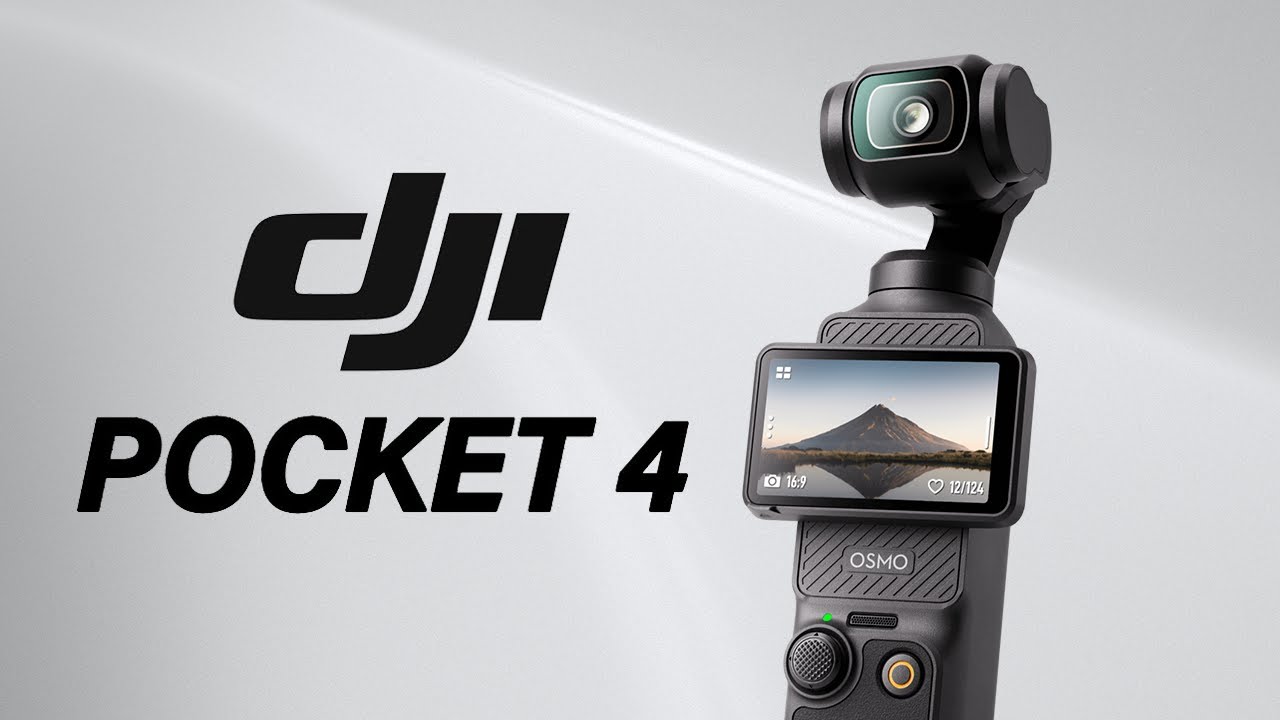
DJI Osmo Pocket 4: A Better Camera in Every Single Way That Matters
The Osmo Pocket 3 set a bar that nobody expected a pocket gimbal to clear. Two and a half years after its launch, it was still the default recommendation for vloggers, travel shooters, and working creators who needed stabilized footage without lugging a full rig. DJI had one job with the Pocket 4: don’t mess it up. They didn’t. In fact, they improved it in nearly every dimension that counts — and a few you wouldn’t think to ask for. Design & Build: Lighter Than You Think Possible The first thing you notice when you pick up the Pocket 4 is that it feels almost suspiciously light. At 116 grams versus the Pocket 3’s 179 grams, DJI has managed to cut weight by 35% while keeping the same pocketable gimbal form factor. That’s 63 fewer grams on a device most creators already carry every single day. That number sounds small on a spec sheet. Over a full day of shooting — wandering through a market, hiking up a trail, moving through an event — it becomes surprisingly meaningful. The Pocket 4 disappears into a jacket pocket or a shirt pocket in a way the Pocket 3 never quite did. The physical footprint is similar. The feel in hand is noticeably different. Build quality remains premium. The gimbal mechanism feels tight and well-damped. The rotating touchscreen — one of the Pocket 3’s best features — carries over and remains one of the most intuitive displays on any compact camera. Nothing about the hardware feels like a budget decision. Imaging: The Upgrades That Actually Move the Needle The Pocket 4 retains the 1-inch sensor from its predecessor — the same sensor that made the Pocket 3 a genuine low-light performer — while adding 4K video at 120fps and up to 6K recording capabilities. But the headline spec most creators are talking about is different. The camera keeps the 20mm equivalent, f/2.0 lens but pushes the maximum framerate to 240fps — up from 120fps on the Pocket 3 — enabling up to 10x slow-motion in 4K. That’s not a spec bump. That’s a creative tool that opens up an entirely different category of shots: water drops, fast motion, sports, street moments. Things that the Pocket 3 could approximate but not fully deliver. Full 10-bit D-Log recording also arrives on the Pocket 4, upgraded from the more limited log profile available previously. For anyone doing color grading in post, this is significant. 10-bit D-Log gives you latitude to recover highlights and push shadows in ways that 8-bit footage simply doesn’t allow. It’s the difference between footage you can work with and footage you’re stuck with. In controlled testing, the Pocket 4 demonstrated measurable improvements in dynamic range over the Pocket 3, retaining highlight detail while preserving shadow information more effectively. Color accuracy tests also showed more neutral skin tones and less green shift compared to its predecessor — requiring less correction in post. Storage: A Bold (and Correct) Call The Osmo Pocket 4 ships with 107GB of onboard storage rated at transfer speeds up to 800MB/s — removing the dependency on memory cards entirely for most shooting scenarios. DJI made the call to drop the microSD slot completely. This will frustrate some users on principle. In practice, it’s the right decision. 107GB at those transfer speeds handles 4K/120fps footage comfortably, eliminates card compatibility issues, and simplifies the workflow considerably. For travel and event shooting — the Pocket 4’s primary use cases — running out of space mid-shoot becomes a non-problem rather than a real-world risk. The tradeoff is obvious: you can’t swap cards in the field. If 107GB genuinely isn’t enough for a given shoot, you’re managing transfers differently. For most users, that scenario won’t come up often enough to matter. Performance: Stabilization & Slow-Motion in the Real World FlowState stabilization was already excellent on the Pocket 3. The Pocket 4 refines it rather than reinvents it — which is the right call. Walking footage, running shots, and handheld movement in tight spaces all come out smooth without the artificial, over-processed look that plagues some competing stabilization systems. Where things get genuinely exciting is the slow-motion performance. 4K at 240fps produces footage with a cinematic weight that feels disproportionate to the size of the camera producing it. Shoot a wave breaking, a crowd dispersing, or even just someone laughing — at 10x slow motion, ordinary moments start looking intentional. That’s a creative upgrade that changes what kind of stories you can tell with this camera. Low-light performance holds up well given the 1-inch sensor class. In sub-10 lux conditions, the combination of updated image processing and optional fill light produced cleaner footage with reduced noise levels. It won’t replace a dedicated mirrorless in genuinely dark environments, but for indoor ambient light, golden hour, and city-at-night shooting, the Pocket 4 handles itself better than most cameras this size have any right to. Specs Comparison: Pocket 4 vs Pocket 3 Feature DJI Osmo Pocket 4 DJI Osmo Pocket 3 Sensor 1-inch CMOS 1-inch CMOS Max Resolution 6K 4K Max Framerate (4K) 240fps 120fps Slow Motion Up to 10x Up to 4x Log Profile 10-bit D-Log M 10-bit D-Log M (limited) Dynamic Range 14 stops 13 stops Built-in Storage 107GB / 800MB/s None (microSD) Weight 116g 179g Starting Price $499 $519 (at launch) Full Specs Spec Detail Sensor Size 1-inch CMOS Lens 20mm equivalent, f/2.0 Video Resolution Up to 6K Frame Rates Up to 240fps (4K), 480fps (1080p) Color Profiles 10-bit D-Log M, D-Log, Normal Dynamic Range 14 stops Stabilization 3-axis mechanical gimbal + FlowState Storage 107GB internal, 800MB/s transfer Display Rotating 1.4″ touchscreen Battery 1545 mAh Weight 116g Price (Base) $499 Price (Creator Combo) $649–$749 Pricing & What You Actually Get The Osmo Pocket 4 starts at $499 for the standard model. The Creator Combo — which adds a wireless microphone, magnetic fill light, wide-angle lens, and mini tripod — runs between $649 and $749. For most creators, the Creator Combo is the smarter buy.